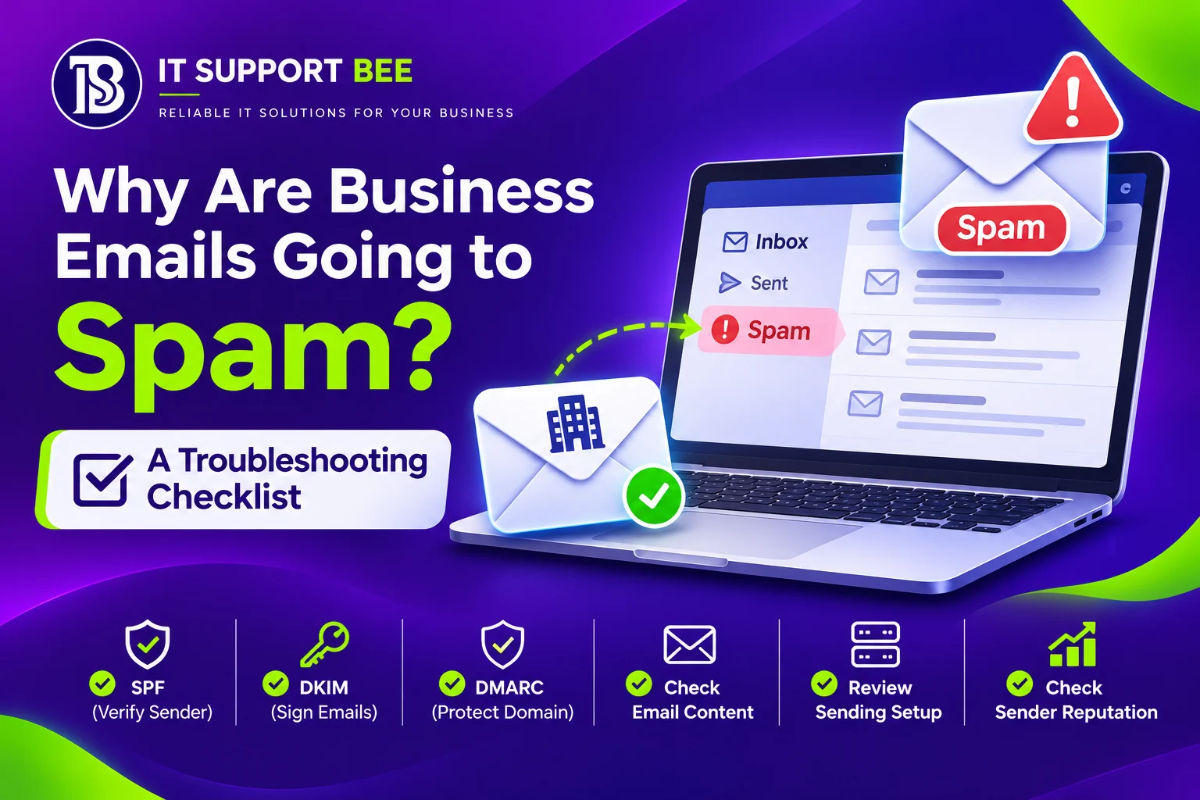
When business emails land in spam, start with a real failed message. Identify the sending application, inspect authentication results, and compare delivery across recipients before changing DNS. A passing authentication check is useful evidence, but it does not guarantee inbox placement.
Collect evidence before making changes
Ask the recipient for the original message headers and record the date, sender, destination, sending application, and outcome. Keep bounce text and message IDs. Remove personal information before sharing diagnostic samples outside your business.
Build a small test matrix: an ordinary staff message, a website notification, and a CRM message sent to controlled test accounts. Record whether each arrives, is rejected, or reaches spam. This separates a company-wide problem from one application or recipient system.
Check authentication on the actual message
Read the receiving system’s Authentication-Results header. SPF evaluates the sending infrastructure against the envelope sender domain. DKIM checks the message signature. DMARC evaluates alignment with the visible From domain using SPF or DKIM. Microsoft explains these relationships in its DMARC configuration guidance.
Before editing records, inventory every legitimate sender. Include billing tools, contact forms, help desks, marketing software, and staff mailboxes. A record copied from another company can authorize the wrong systems or break existing traffic.
Separate authentication from reputation and audience problems
If authentication passes, investigate what differs between successful and unsuccessful mail. Did a new sending tool launch recently? Did volume increase suddenly? Are failures concentrated at one receiving provider? Do messages contain unfamiliar tracking links?
Google’s sender guidelines cover authentication, transport security, spam rates, and additional requirements for bulk senders to personal Gmail accounts. Marketing and subscribed messages may also need unsubscribe handling. Check the requirements for your actual audience and volume.
Keep transactional messages and campaigns distinguishable in your sending inventory. Avoid repeated test campaigns to unengaged recipients: that changes the conditions you are trying to diagnose.
Make one documented change at a time
Use this change record:
| Field | What to capture |
|---|---|
| Symptom | Spam placement, rejection, or missing delivery |
| Evidence | Message ID, timestamp, headers, bounce |
| Proposed change | Exact DNS or sender configuration change |
| Validation | New sample from each affected application |
| Recovery | Previous setting and person responsible |
After a change, send new tests through the same paths. Compare headers rather than assuming that a DNS lookup proves the application is now configured correctly. Monitor ordinary customer communication as well as controlled tests.
Read a failing header beside a working one
Consider an agency whose staff mail reaches customers while invoice reminders land in junk. Both display billing@example.com. That visible address makes the messages look related, but the receiving provider may see two different authenticated senders. Ask for the original message from the recipient and examine the authentication results added by that receiving system.
Here is a simplified illustrative result for a billing platform:
spf=pass smtp.mailfrom=return.vendor.example
dkim=pass header.d=vendor.example
dmarc=fail header.from=example.com
The sending platform passed checks for its own domain. Neither authenticated domain aligns with the business’s visible From domain in this example. Adding the vendor to a random TXT record at the business domain does not change which envelope domain this message used. Open the vendor’s domain authentication settings and find its supported custom signing or return-path configuration. Use its account-specific DNS values, verify them, then generate a fresh invoice reminder from that application. A manually sent Outlook message exercises another path.
When the same header shows DMARC pass
Leave the working authentication configuration in place while you investigate the next difference. Compare the affected and unaffected traffic by application, destination provider, recipient history and message type. Check whether the alert is about a hard rejection, an accepted message delivered to junk, or a recipient who cannot find the message. The first gives you a rejection response. The second requires inspecting the delivered message. The third still needs evidence that the sender submitted it.
| Observation | Next question |
|---|---|
| All customer invoices fail at one receiving organisation | What does that organisation’s mail administrator see for one message ID? |
| Staff mail succeeds and website alerts fail everywhere | Which service sends website alerts, and did its recent configuration change? |
| A forwarded copy fails authentication | How does the original direct delivery compare with the forwarded copy? |
| The CRM says “sent” with no recipient evidence | Does the provider log show acceptance, deferral, suppression or bounce? |
Test a repair without confusing the result
Keep a small set of controlled recipient accounts. For the invoice problem, generate an invoice addressed to a test customer, use the real reminder function, and record the sender’s event identifier. Locate the matching recipient message, compare its authentication result with the earlier sample, and verify that clicking Reply addresses the right team.
Then run a staff message and a website alert through their normal paths. A vendor fix should not break mail from another legitimate source. Record which flows passed and which still require investigation. If only one provider filters the corrected reminder, keep that distinction in the ticket rather than declaring a domain-wide failure.
What success looks like: the reminder leaves the billing application, the receiver authenticates the expected business identity, and finance can trace a customer complaint from invoice number to message ID. Inbox placement can vary. The support team now has the evidence to investigate that variance without making another speculative DNS change.
Common questions
Will DMARC fix every spam problem?
No. It establishes an authentication policy and helps receivers evaluate domain identity. Content, recipient engagement, sending practices, and reputation can still affect filtering.
Should we immediately switch DMARC to reject?
First establish which systems legitimately send for your domain and check alignment. Enforcement without that inventory can affect real business messages. Design the rollout for your environment rather than following a generic record.
What should we send to an IT specialist?
Share the domain, affected application, approximate start time, redacted headers, and bounce details. Never send passwords or recovery codes.
For help interpreting the results, see email deliverability support. Planning a provider change? Use the email migration checklist before altering mail routing.
To diagnose mail that customers find in junk, email hello@itsupportbee.com or book a strategy call with IT Support Bee.
Standards and provider references

Mushfiqur Rahman
Microsoft 365 & Google Workspace Email Consultant
I help small businesses migrate, secure, and fix their business email. I specialize in Microsoft 365 and Google Workspace migrations, SPF, DKIM and DMARC, and remote admin support through IT Support Bee.